Life made easy feat. VS Code
Simply shortcuts I use to make life easy
I’ll jump straight to the points and list down the shortcuts I use which have/will save me years of time in coding.
Keyboard Shortcuts
- Command Palette
ctrl+shift+P: This Palette is your one-stop-shop for every setting in VS Code
Remove the > key to access files from workspace

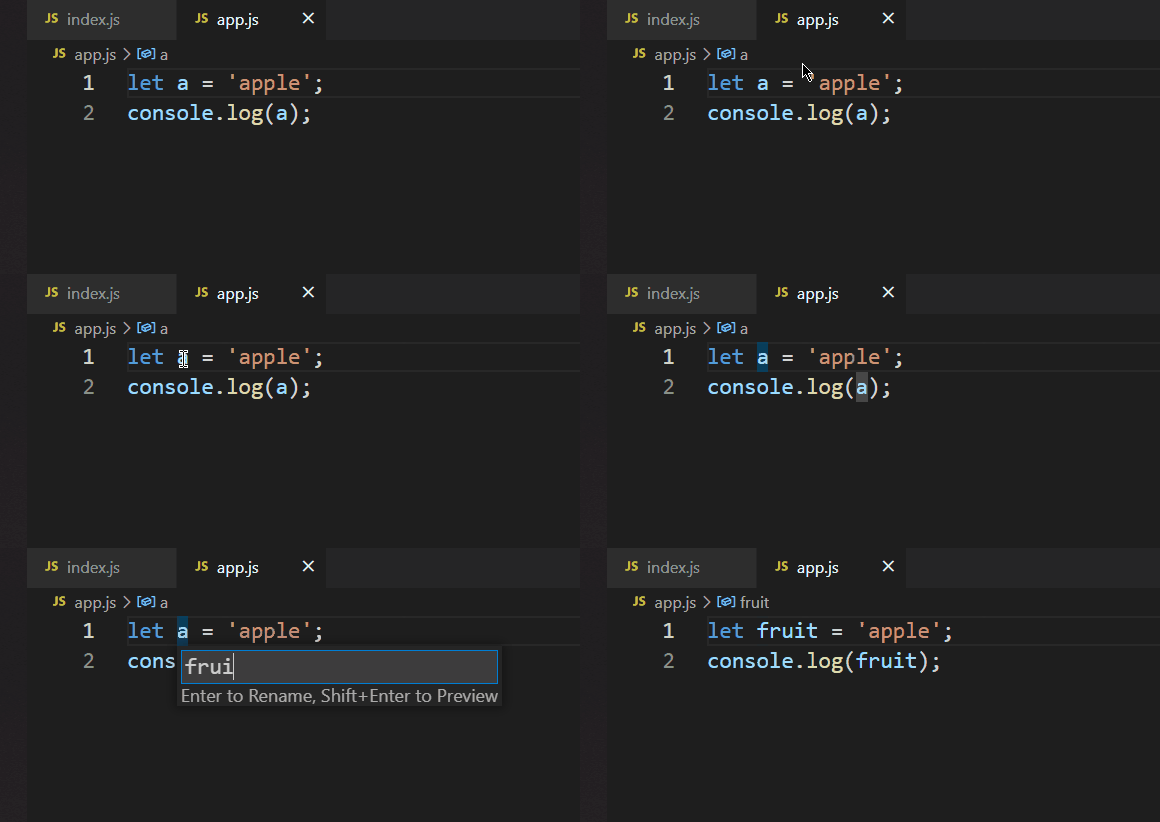
2. Rename Symbols (everywhere) : Hit F2 on a variable. (We have a bad habit to name variables a , b , x instead of understandable words)
3. Integrated Terminal ctrl + ~ : quickly get focus or close/open your terminal
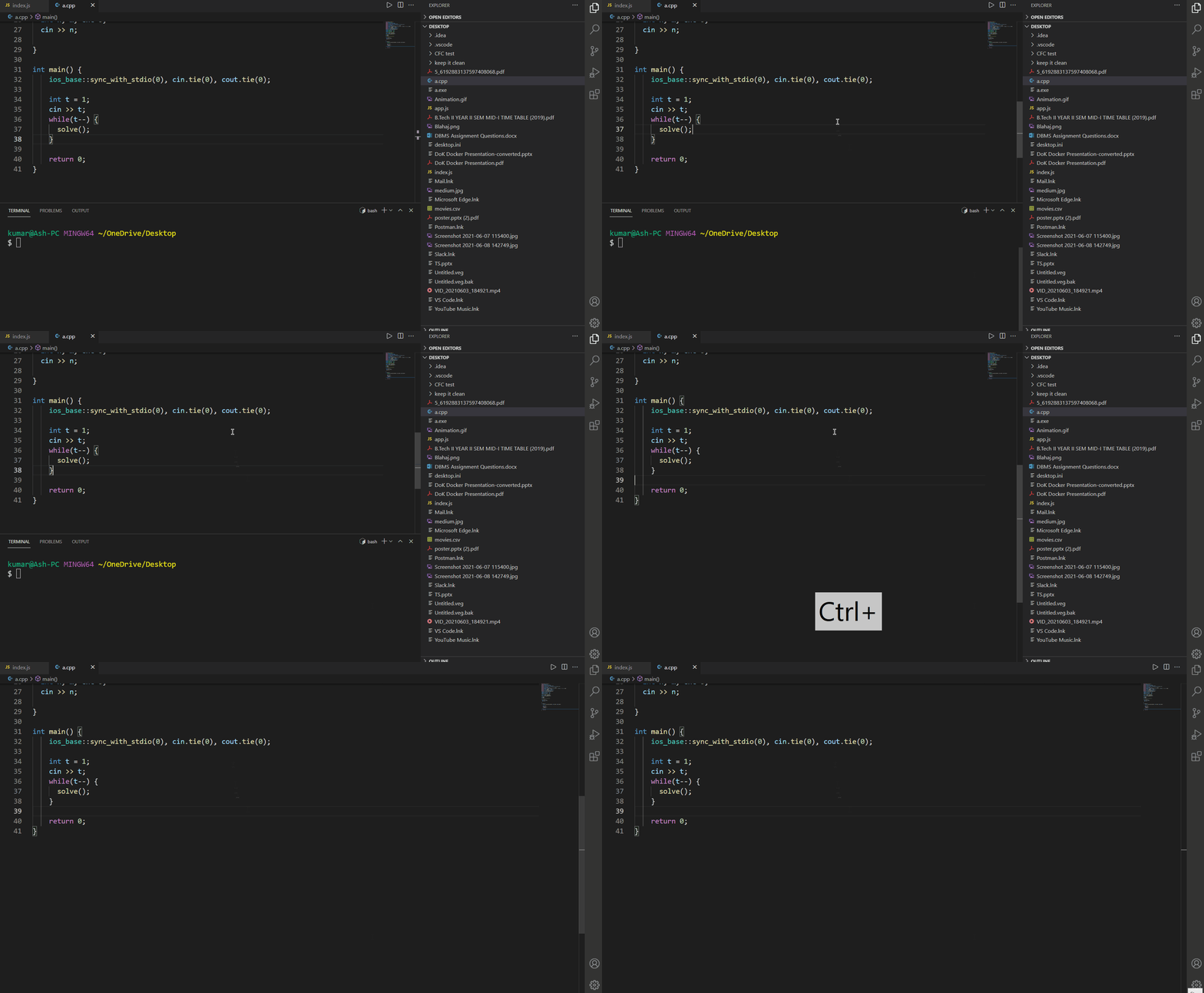
4. Toggle Side Bar Visibility ctrl + B : toggle editor’s side bar
Use these commands together to clean up the editor swiftly.
5. Move code/codes of line : alt + ⬆ or ⬇
want to move a code inside a function? Stop cut-paste

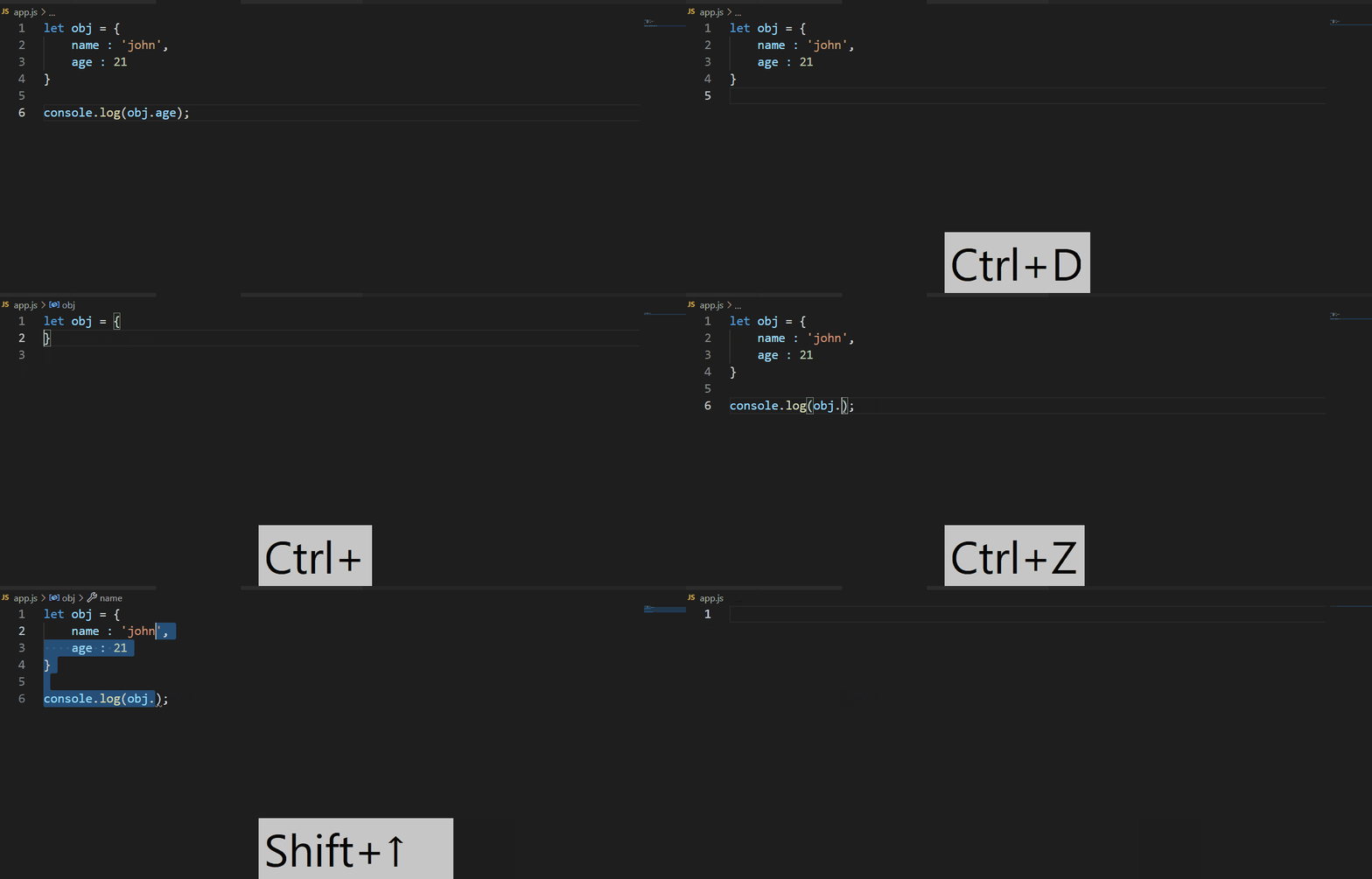
6. Delete one or more lines (customized) ctrl + D :
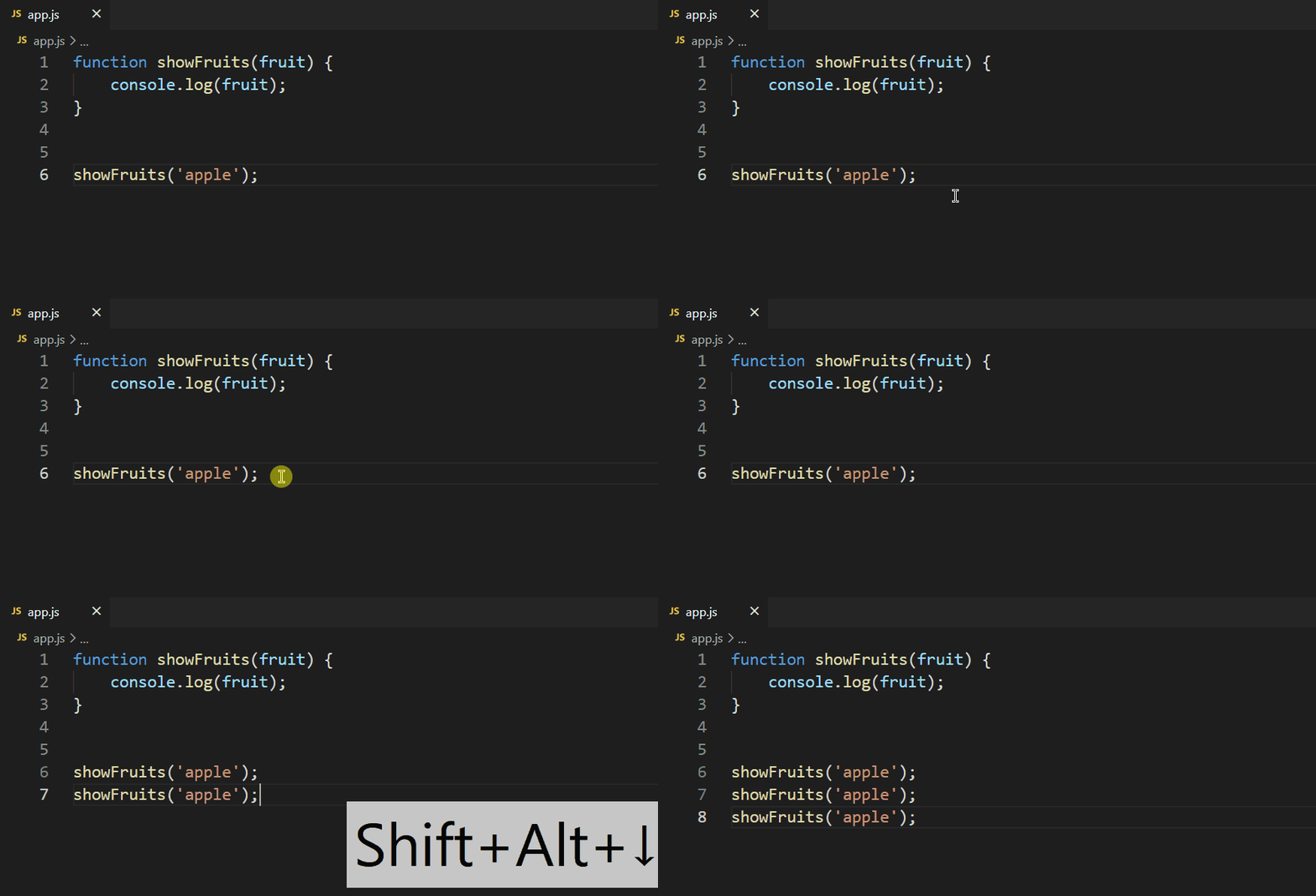
7. Copy line/lines : shift + alt+ ⬆ or ⬇:
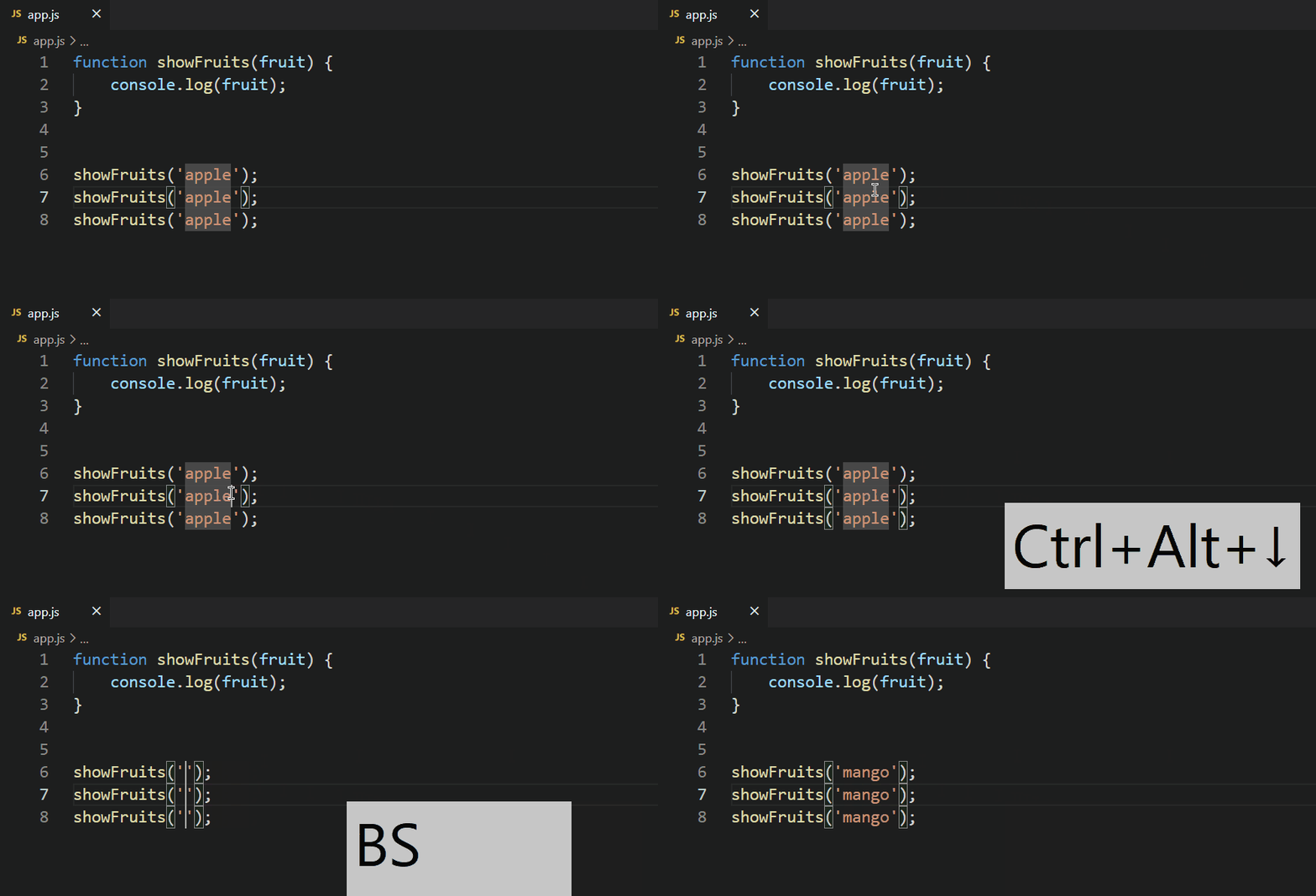
8. Multi cursor editing : alt + click OR ctrl + alt + ⬆ or ⬇
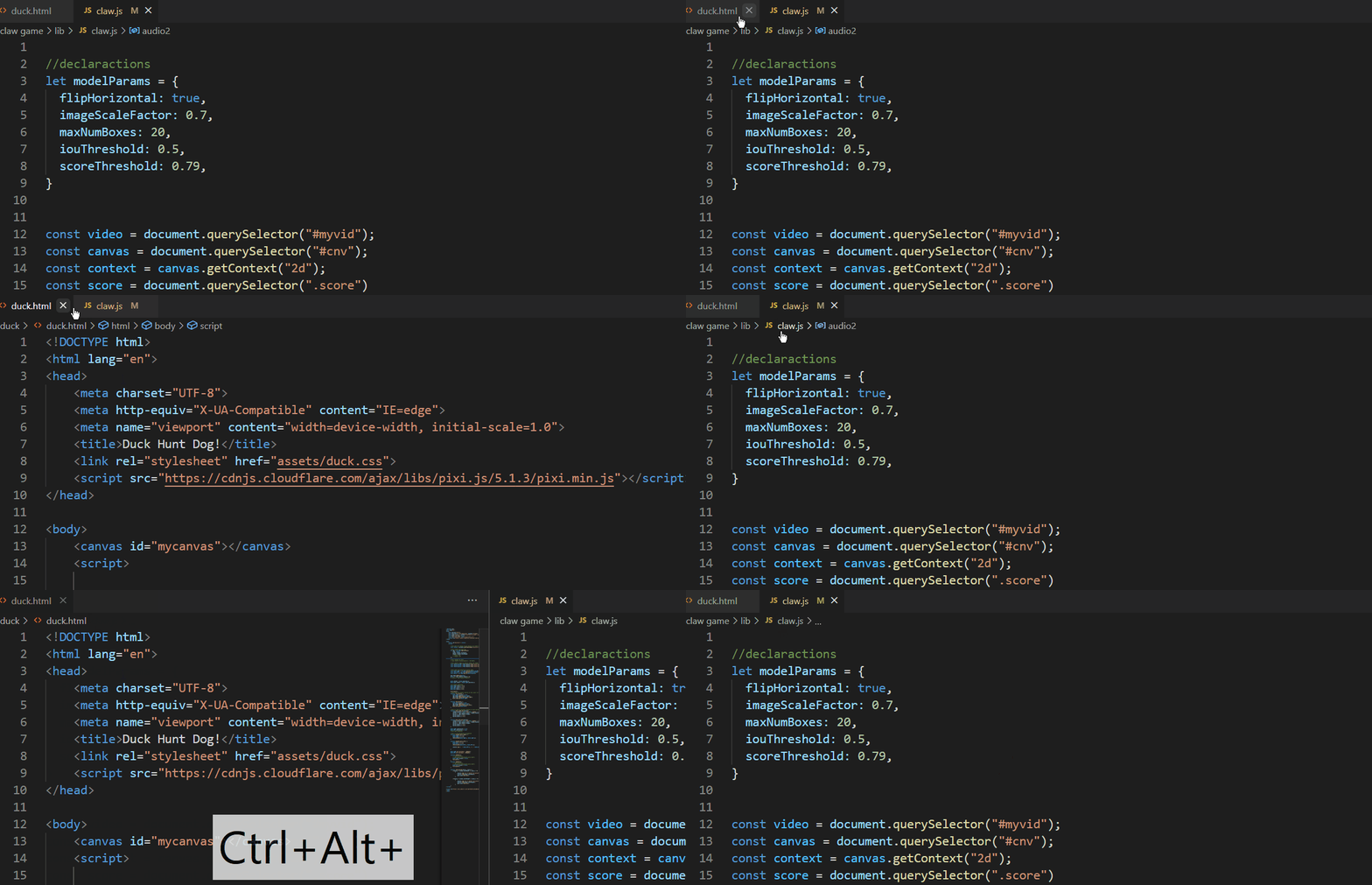
9. Split/Unsplit tabs ctrl + alt + ➡ or ⬅ :
10. Word Wrap alt+ z : Very handy word wrap for smaller code windows
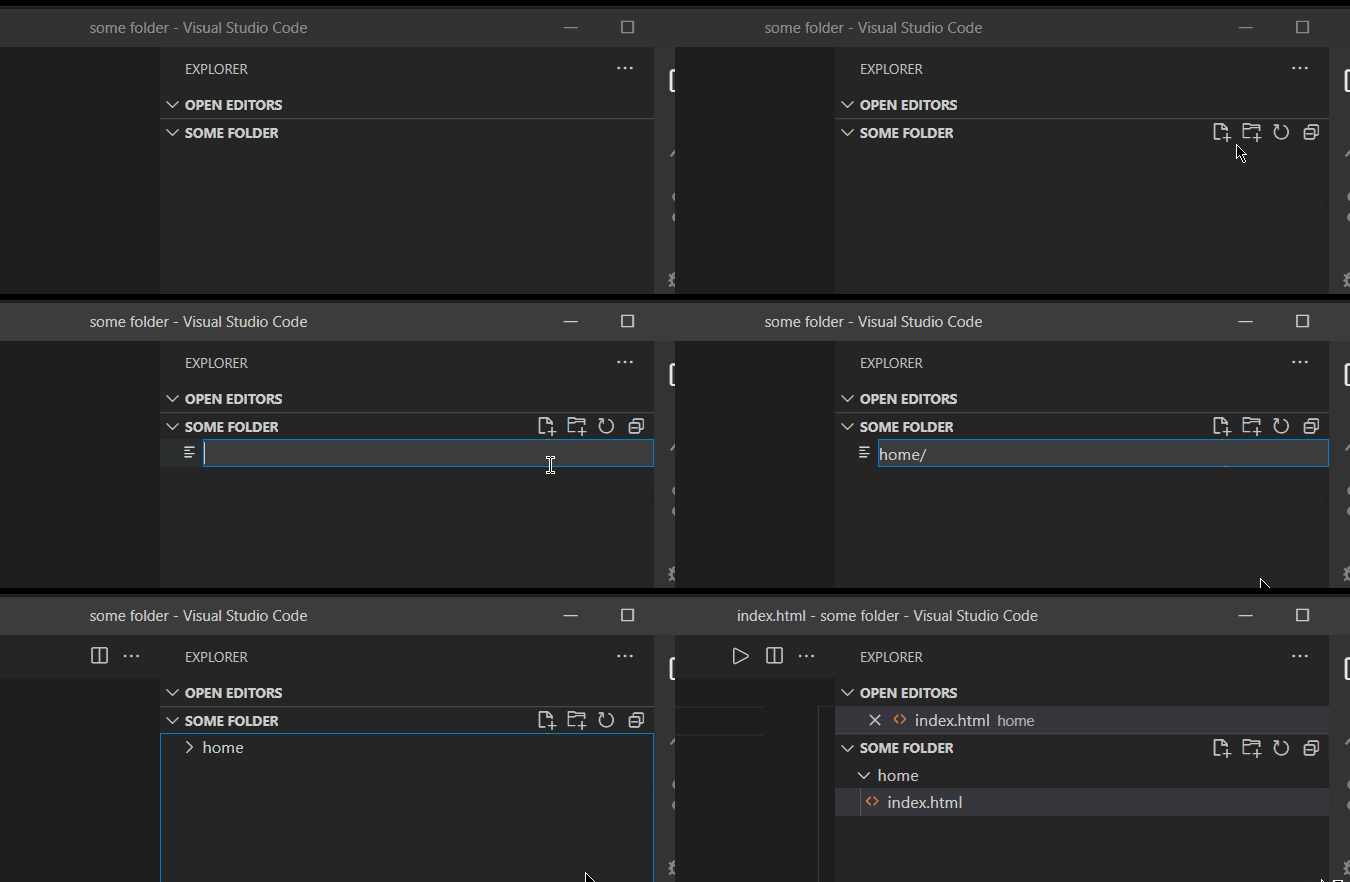
11. Create a directory and file in it at the same time : Click on new file and enter folder name followed by / and file name (with extension)
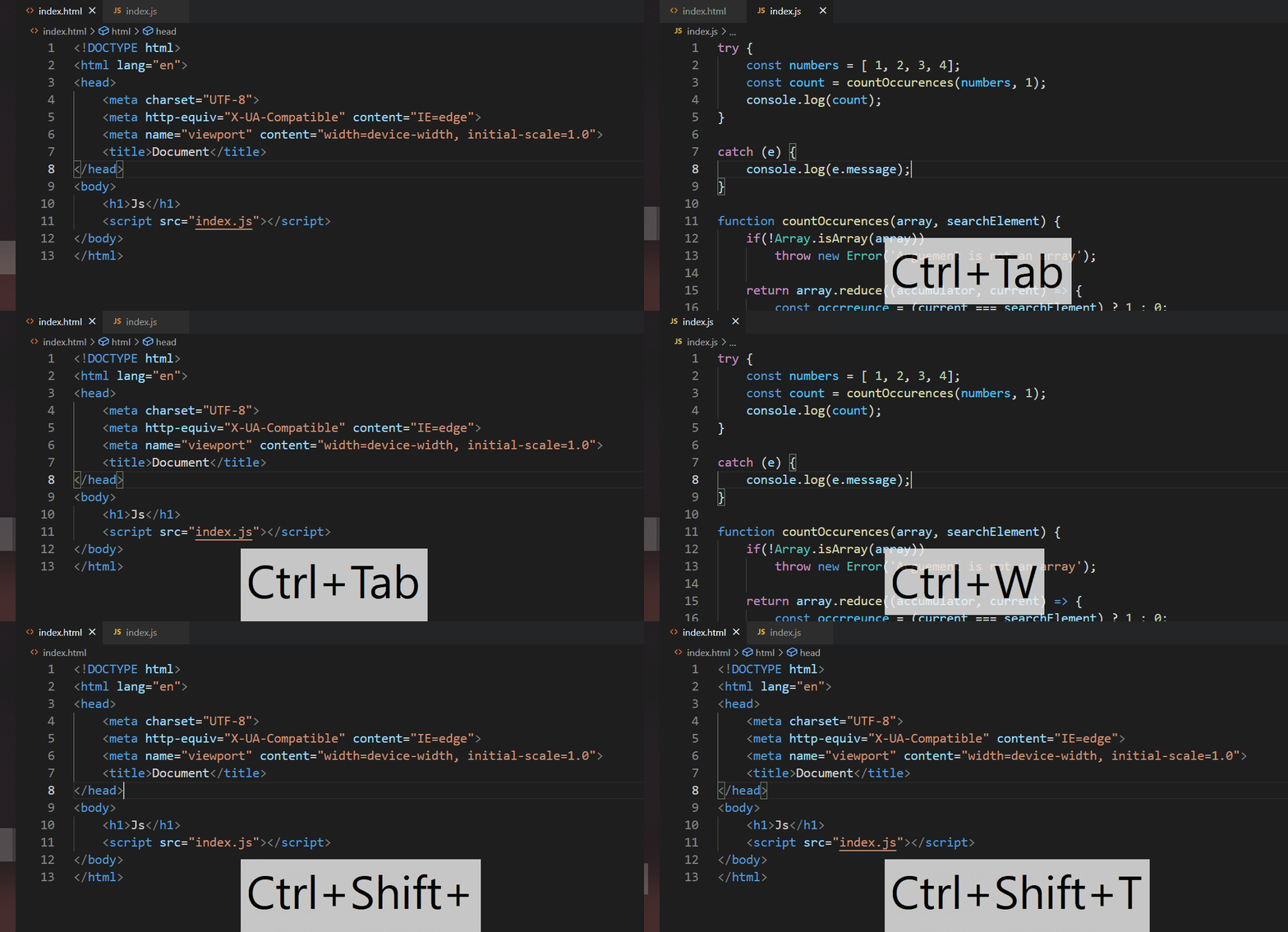
12. Browser shortcuts : Yes, many browser shortcuts work in VS code like
- Switch Tabs :
ctrl+Tab - Close Tab:
ctrl+W - Reopen Closed Tab:
ctrl+shit+T(Incase you accidently closed a tab)
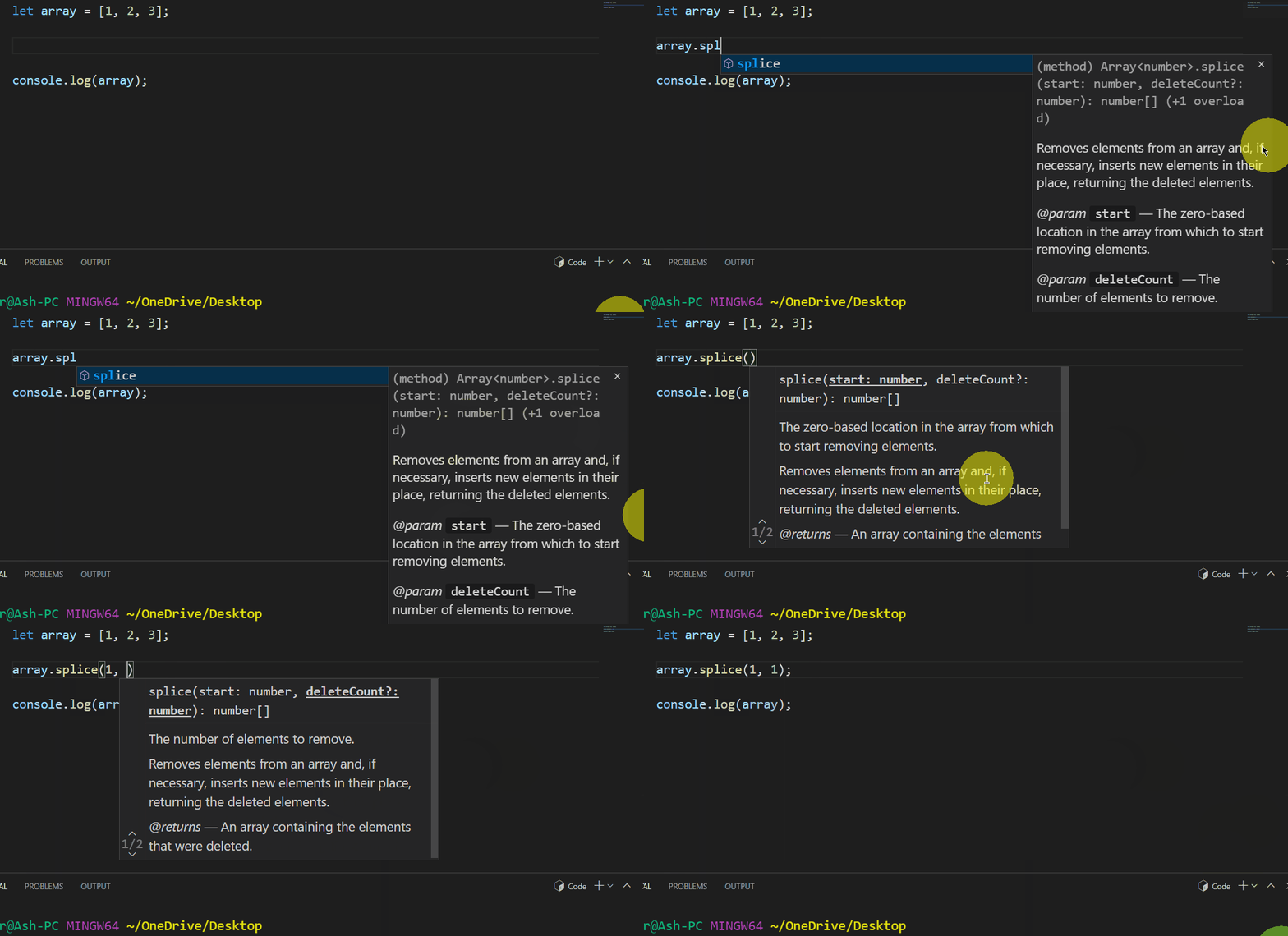
BONUS: Intellisense
The definitions in intellisense will save you the time from googling them
It is turned on by default, but you can invoke it manually using ctrl + space
Let me know if I missed out any handy shortcut or if you have customized them in a different way.
Thanks for reading!
Related
I turned my over-engineered Valentine's site into a template you can fork.February 11, 2026 · 5 minTechnical Conference: The wild card for networkingSeptember 29, 2022 · 4 min